Request Auth Code for Transfer
Through our new customer portal you can easily generate your auth code (also called EPP code) for your domains.
This guide briefly explains what you need to do to obtain your auth code.
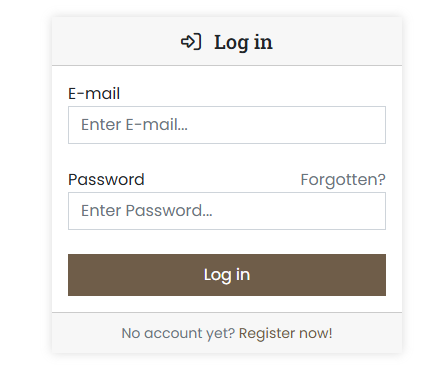
- Log in to the customer portal at https://cp.servercow.de with your credentials:
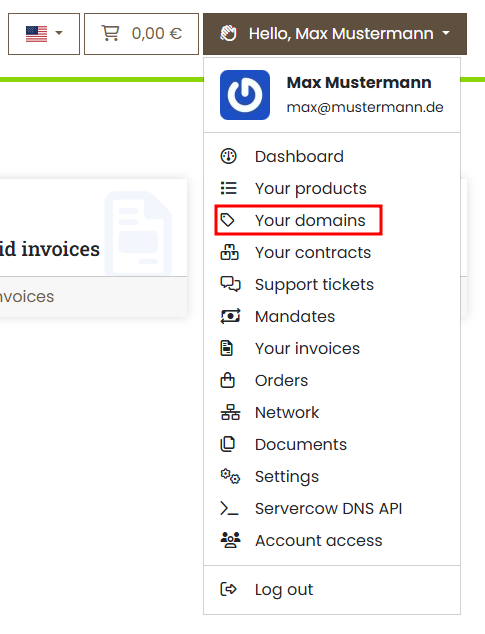
- Once logged in, click the button with your customer name in the top right and then select My Domains from the dropdown:
-
You will now see an overview of your domains. For the desired domain, click the View button:

Important
To generate the auth code, the domain must first be unlocked. Otherwise it is not possible to generate the auth code.
-
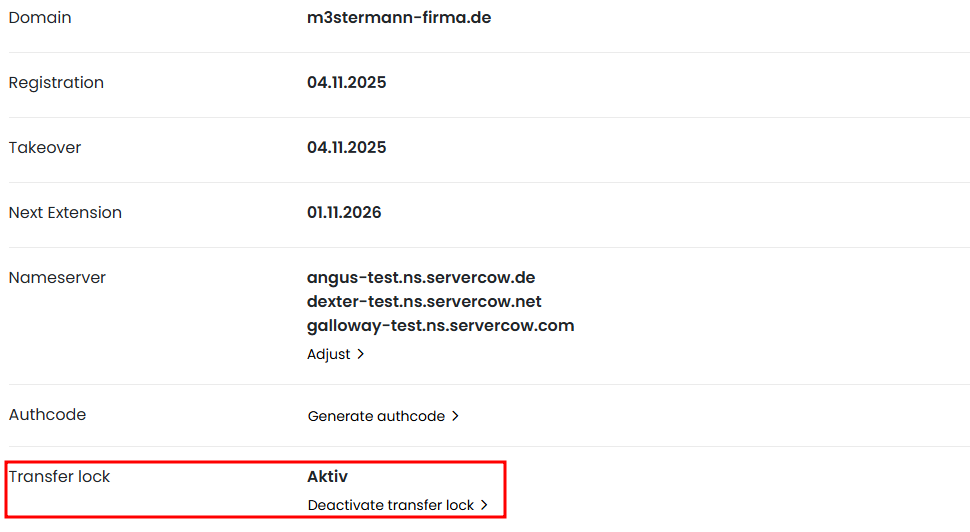
Remove the transfer lock (if active) by clicking Deactivate transfer lock in the Transfer lock section:
Please note
This does not yet generate the auth code. You must now request the auth code in the next step.
-
In the Authcode section click the Generate authcode button — this generates the auth code for the domain:
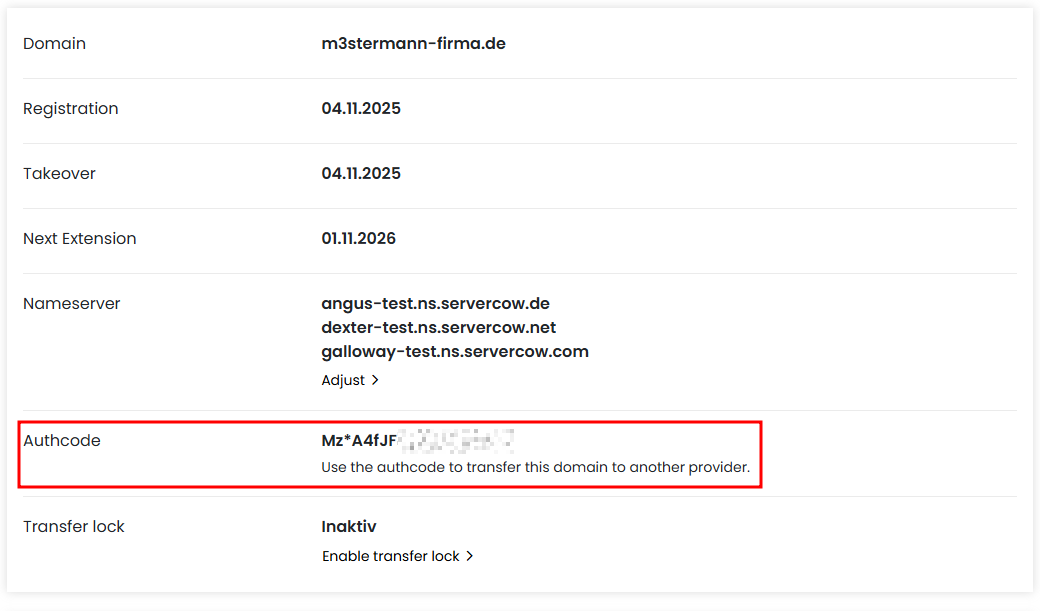
You can now use the received auth code to transfer your domain to another registrar.
Note
When transferring to another registrar (transfer out), the existing contract for the domain with Servercow will be automatically terminated.