Create an Invoice Contact
Why do you need a separate billing address?
A separate billing address is especially useful if your company or organization uses a central billing email address to which all incoming invoices should be sent.
-
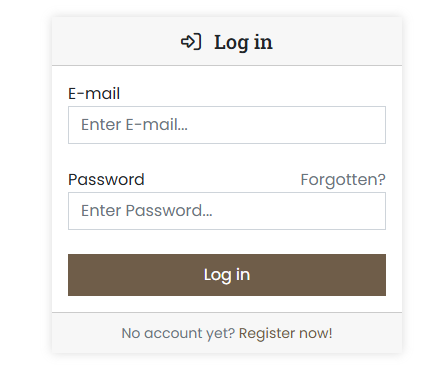
Sign in to the customer portal at https://cp.servercow.de with your credentials:
-
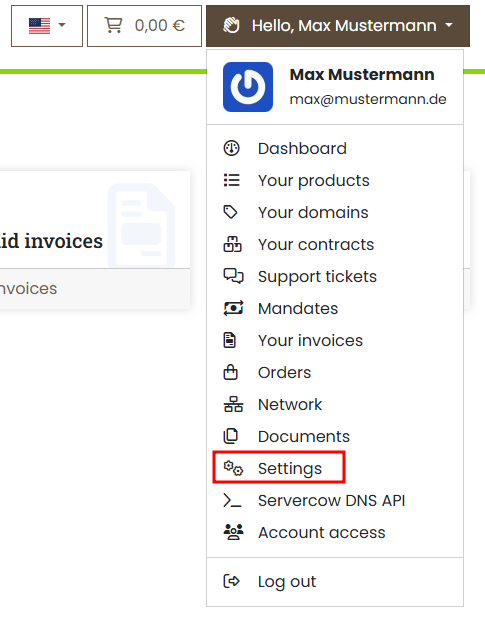
Once logged in, click the button with your customer name in the top right and then select Settings from the dropdown:
-
Enter the desired email address in the Invoice email field to which your invoices should be sent:
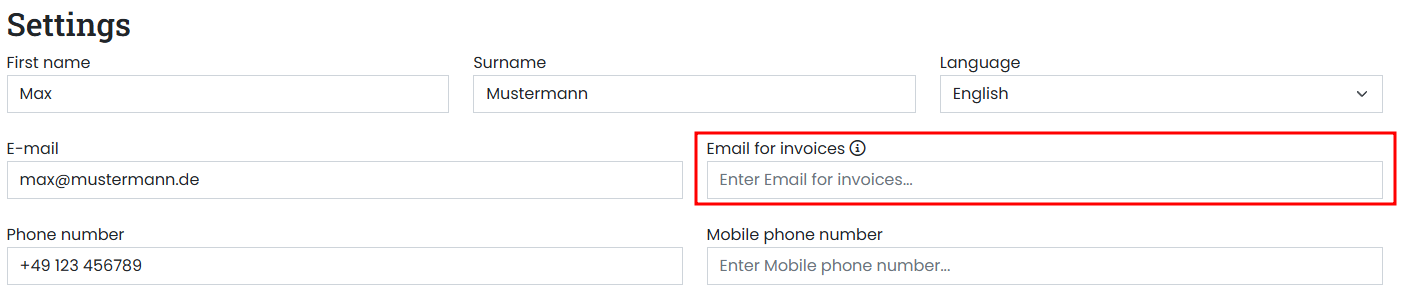
Note
This email address is only used for sending invoices and not for other messages or notifications in the customer portal. If you want to use multiple accounting addresses, you can enter several separated by a semicolon (;).
Example:
invoicecontact1@mail1.com;invoicecontact2@mail2.com -
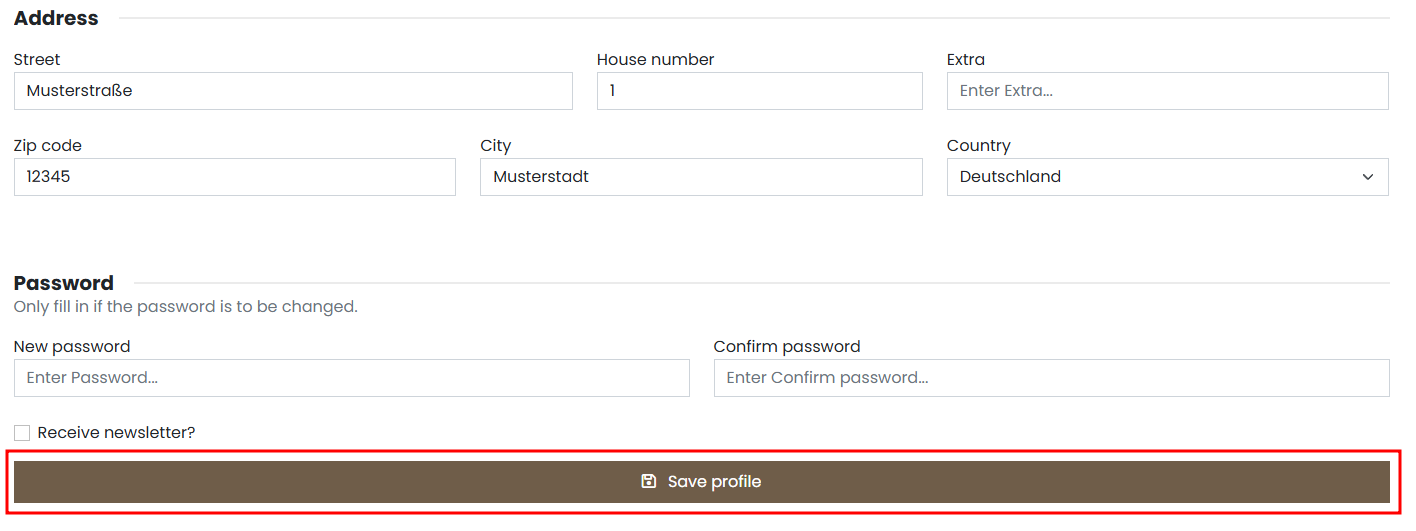
Finally, click the Save profile button to apply the changes:
-
The billing address will now be used for new invoices. Already issued invoices are unaffected by this change.