Manage DNS Settings
Available Record Types
The DNS panel currently supports the following types: TXT, A, AAAA, CNAME, TLSA, CAA and MX – more to follow.
This is how you edit the DNS records of a domain via our customer portal:
-
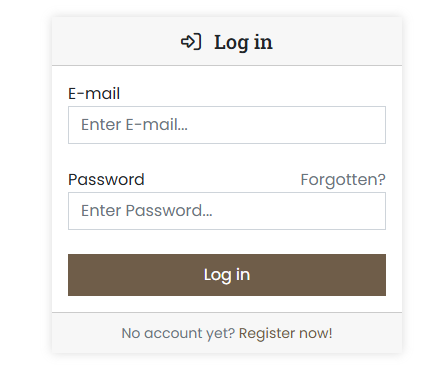
Log in to the customer portal at https://cp.servercow.de with your credentials:
-
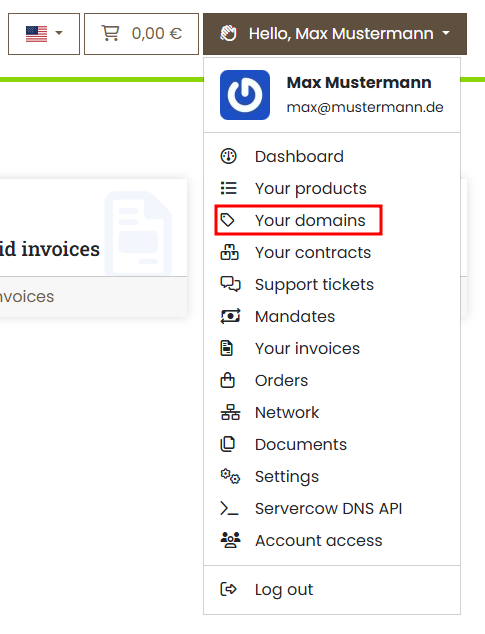
Once logged in, click the button with your customer name in the top right and then select Your Domains from the dropdown:
-
You will now see an overview of your domains. For the desired domain, click the View button:

-
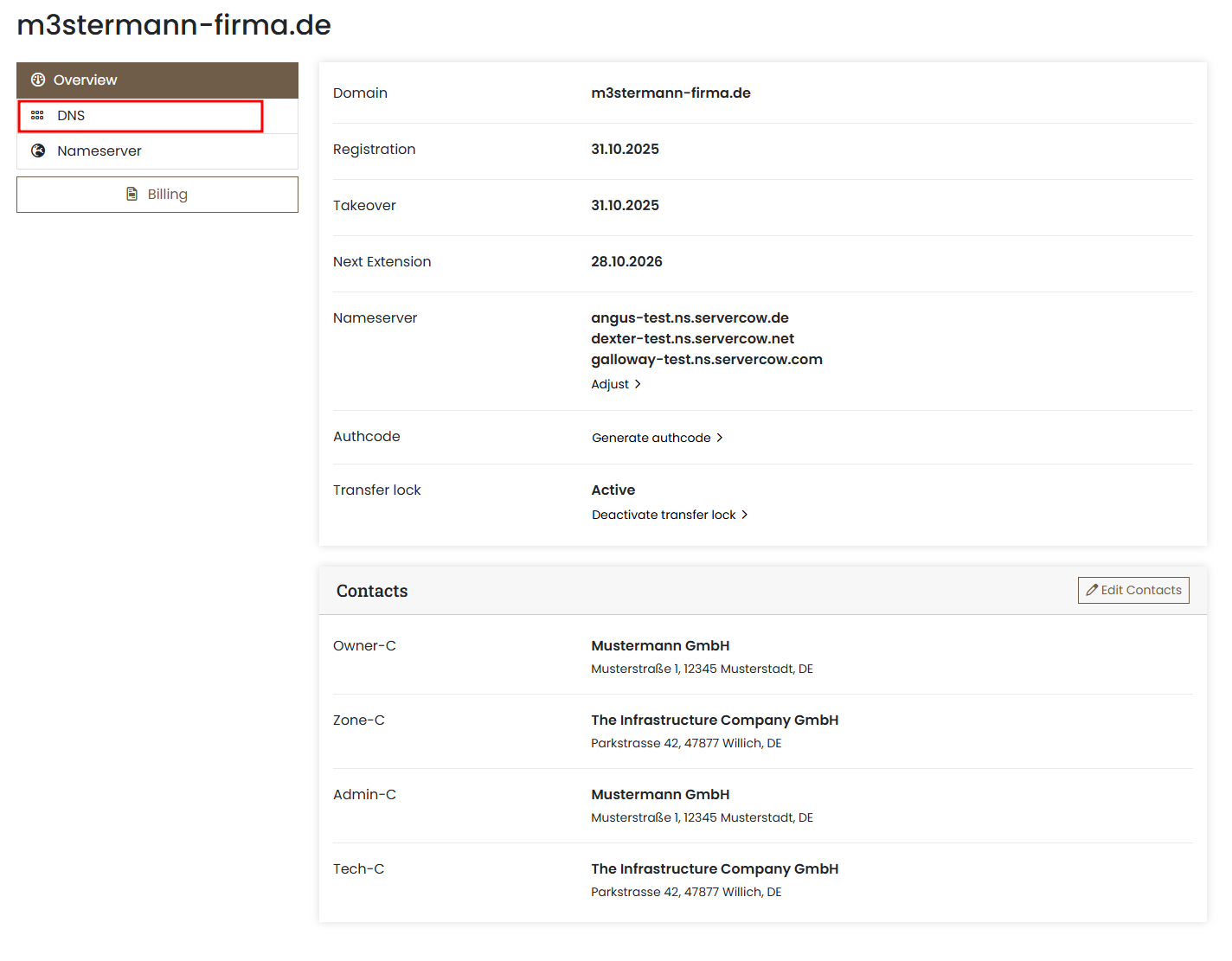
In the domain details area you will find the DNS tab next to the links; click it to open the DNS editor:
-
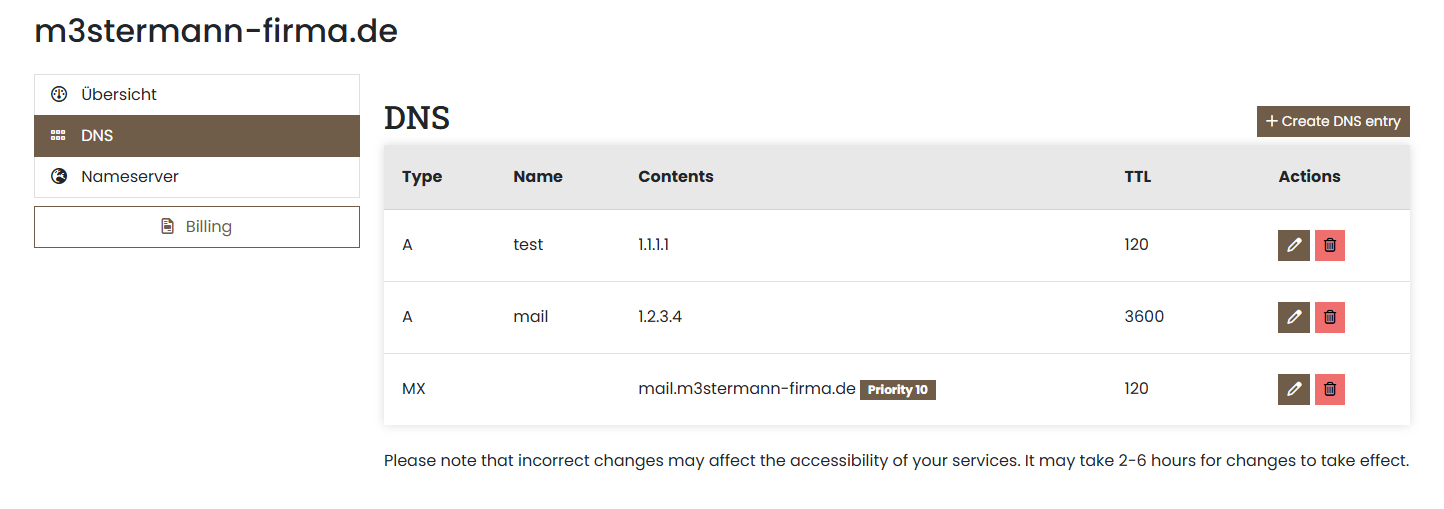
The DNS editor will now open. Here you can edit existing records, delete them, or add new records:
-
Once you have added a new DNS entry or edited an existing one, the customer portal saves the changes automatically. A brief confirmation appears at the top of the screen:

DNS Panel specifics
There are some special considerations for certain DNS records, listed here:
- TXT Records: Any content should be provided without
". - ALL record types:
- Allowed characters are a-z, A-Z, 0-9, - (no special characters)
- All entries should be provided without a trailing dot
.(the portal appends this automatically). - SRV Records:
- Must be specified in the format
_service._protocol.subdomain(e.g._smtp._tcp.example.com). - The content of an SRV record consists of four values in the following order:
Example:Priority Weight Port Target
10 10 25 mail.example.com- Priority: Lower values are preferred.
- Weight: Used for load balancing when priorities are equal.
- Port: Specifies the service port (e.g., 25 for SMTP).
- Target: Fully qualified domain name (FQDN) of the target server.
Important: The target must end with a dot.to indicate that it is an FQDN (e.g.,mail.example.com.).